How to Scan Documents With Your Phone: A Step-by-Step Guide
You don’t need a scanner to get a clean digital copy of a paper document. Here is exactly how to scan documents with your phone, from setup to saved PDF.
Read articleScan documents, create PDFs and manage your files with ease.
Features
Automatic edge detection and cropping for every scan.
Crystal-clear results with automatic image enhancement.
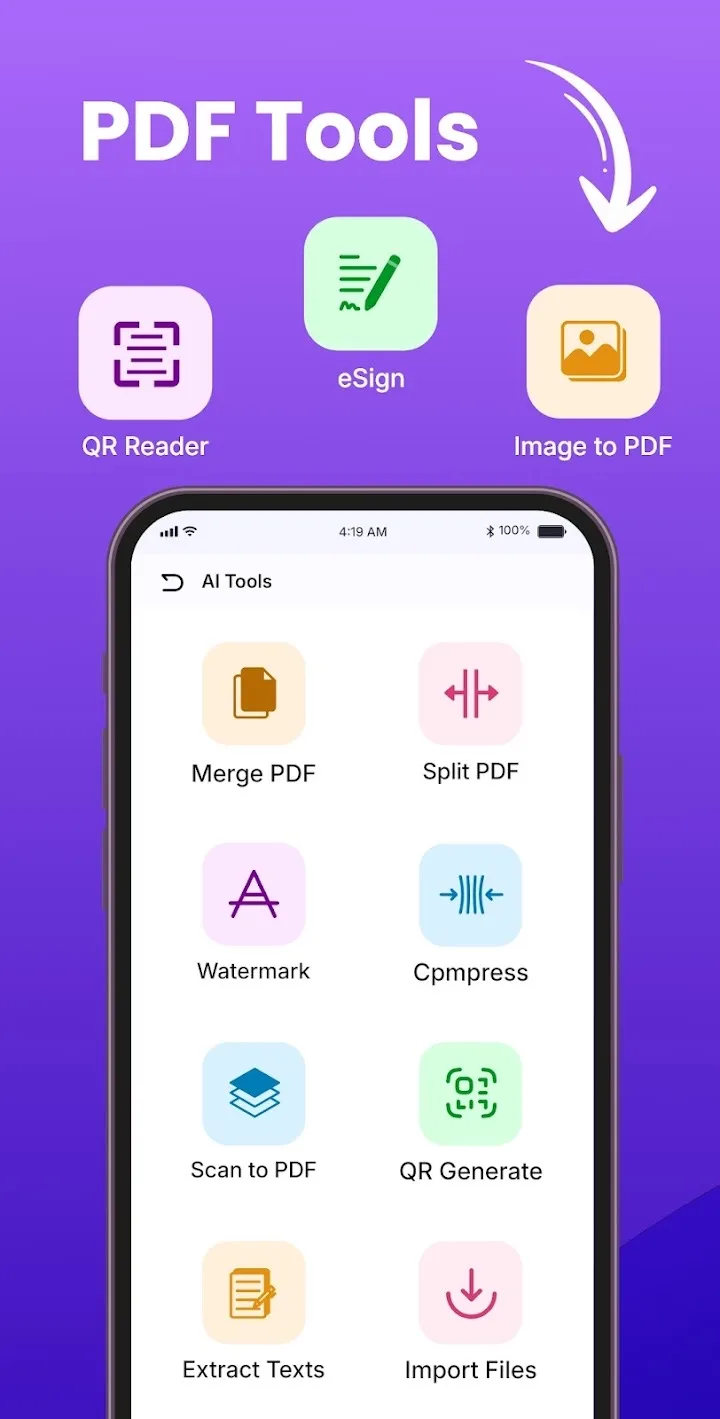
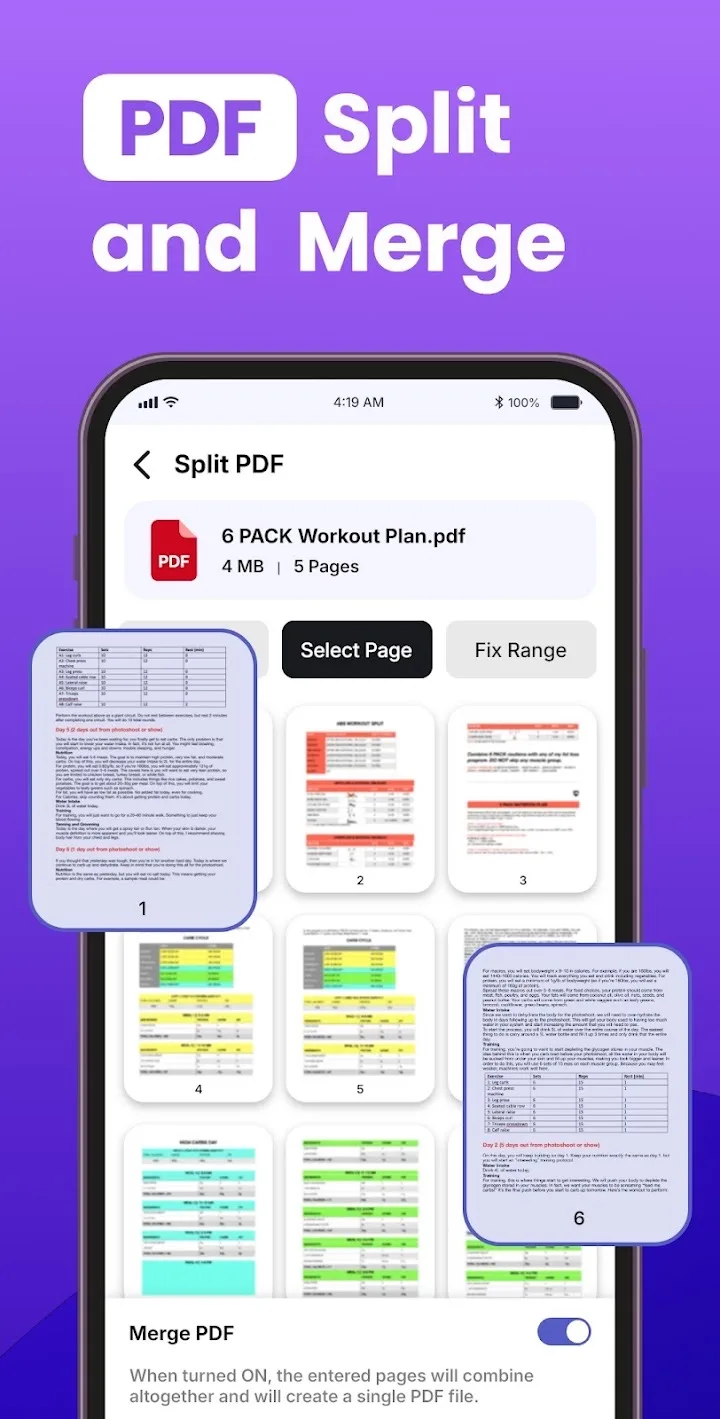
Save as PDF or JPG and merge pages into one file.
Colour, grayscale and black & white filters, plus crop and rotate.
Rename, sort and search your documents quickly.
Your documents stay on your device.
Screenshots
About the app
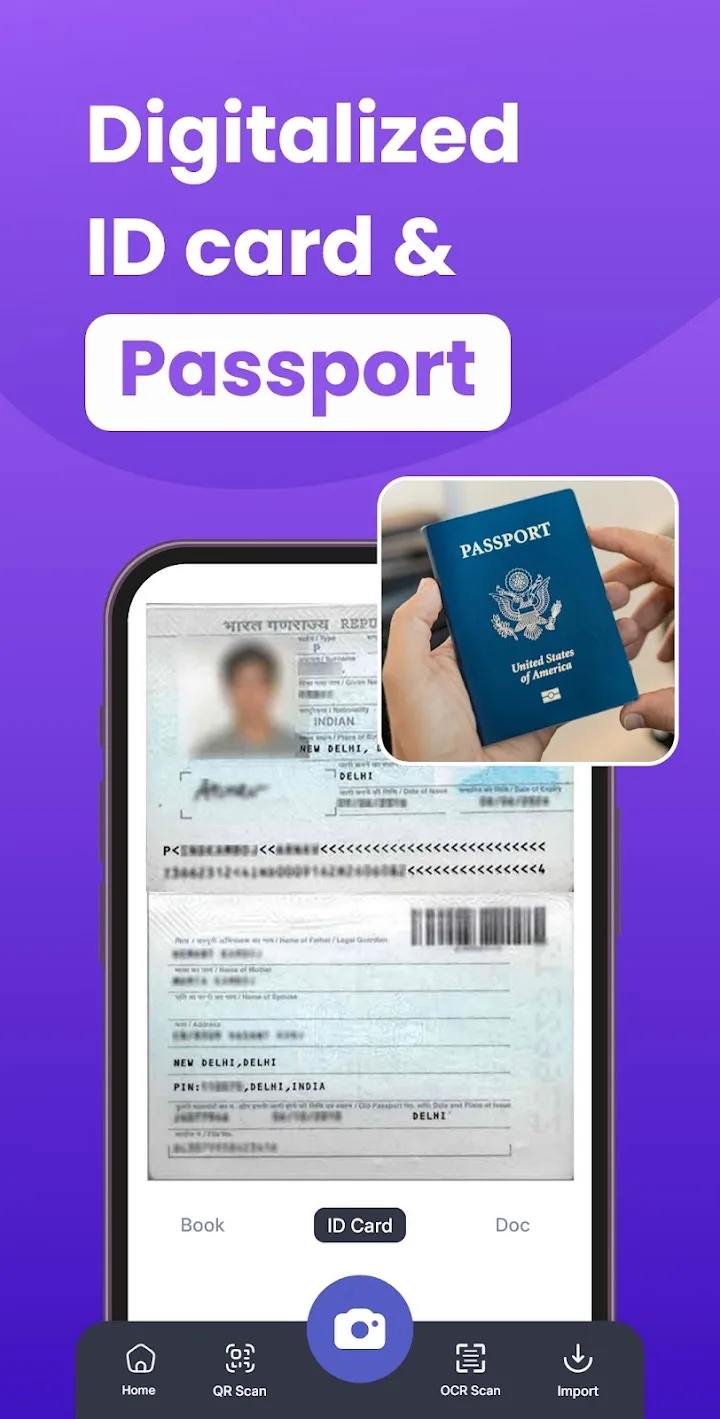
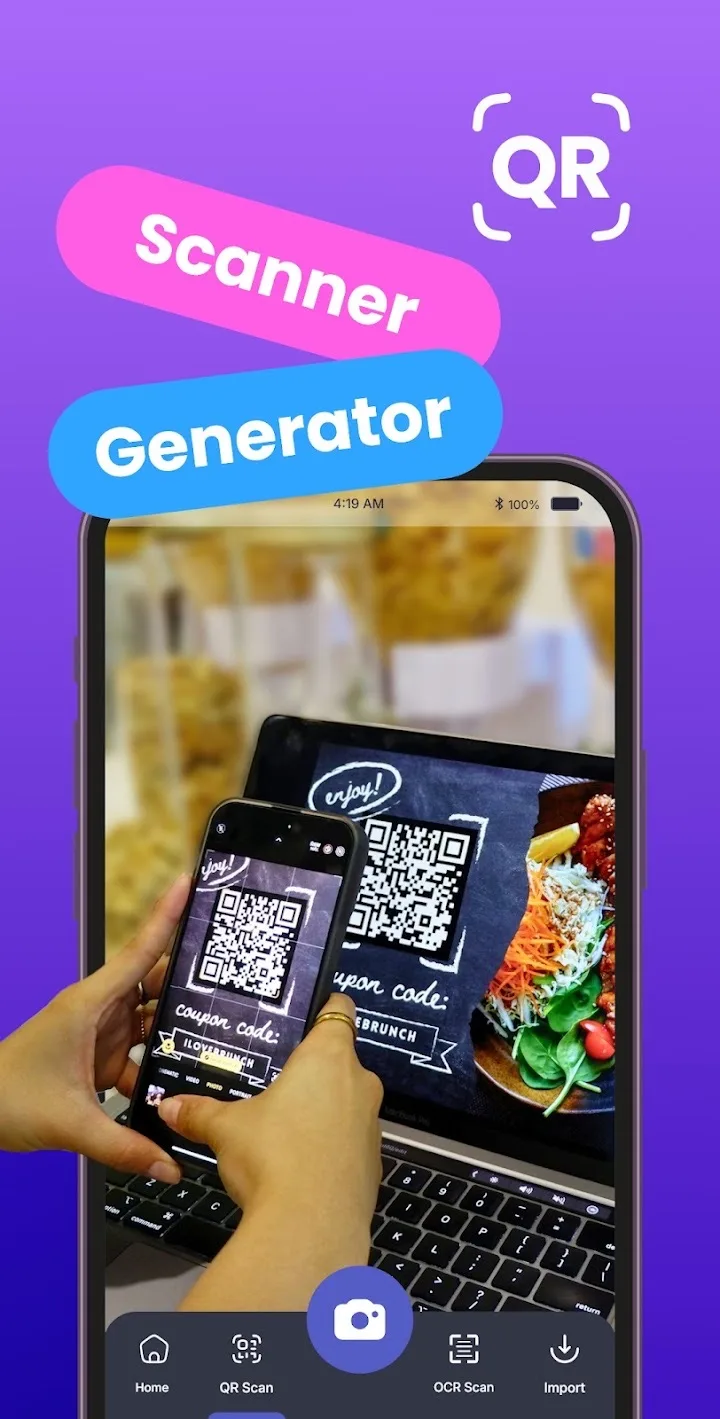
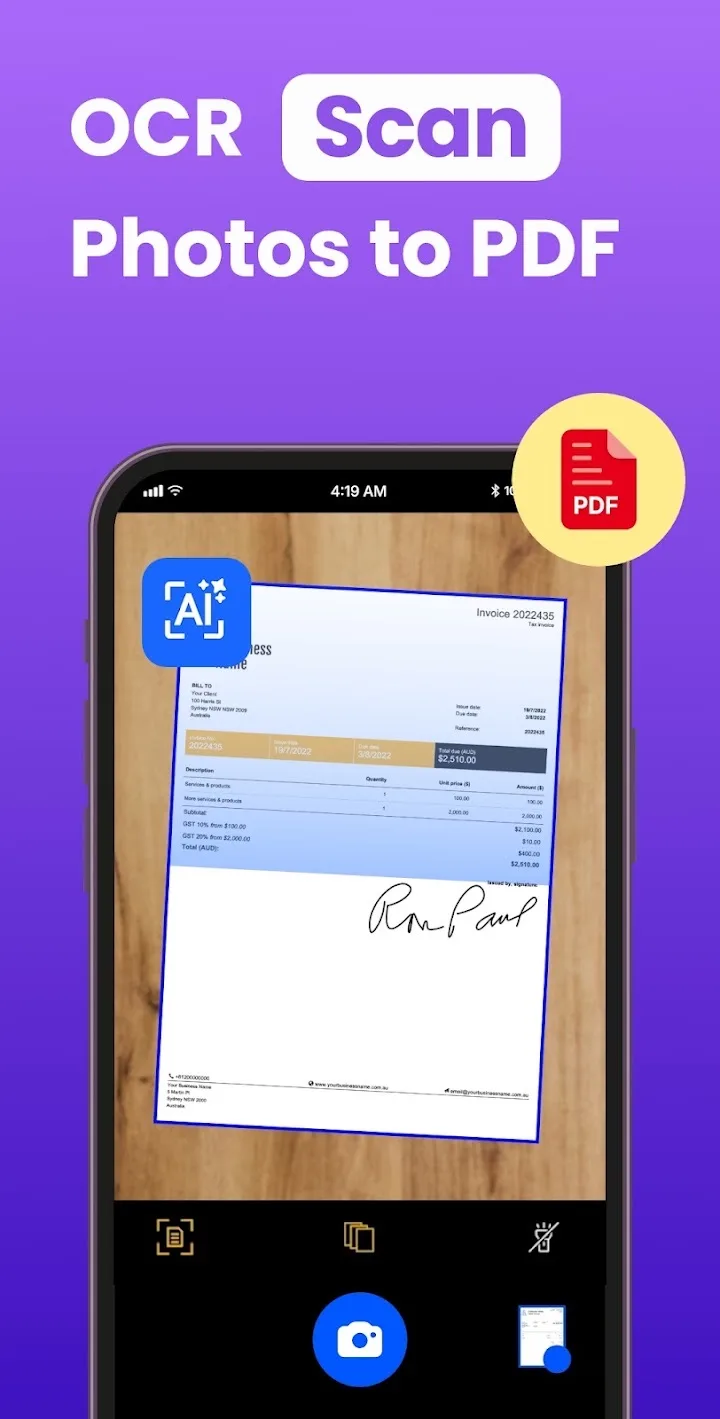
PDF Office turns your phone into a fast, portable document scanner. Scan documents, receipts, notes, invoices, IDs and books anytime, anywhere using just your camera.
Automatic edge detection, AI enhancement and smart filters produce crystal-clear scans that you can save as PDF or JPG, or merge into a single multi-page PDF.
Your documents stay on your device. PDF Office is quick, uses minimal storage and runs smoothly on all Android devices, so students, teachers and professionals can go paperless with ease.
From the blog
You don’t need a scanner to get a clean digital copy of a paper document. Here is exactly how to scan documents with your phone, from setup to saved PDF.
Read articleForms, portals and employers often want a PDF, not a JPG. Here is how to convert a photo to PDF on Android and make sure the result actually looks good.
Read articlePaper receipts fade, crumple and disappear. Here is a practical way to scan receipts with your phone and file them so you can find any one in seconds.
Read articleFree to download. Join our users already using it.
More from AppVerge
Productivity
Scan PDFs, web pages and images to read aloud, rewrite, summarize and translate.
Maps & Navigation
Real-time maps, traffic, offline maps, voice navigation & live location tracking.
Art & Design
Generate AI art, enhance photos, face swap, and restore or colorize old images.