Skip to content
Reader AI: Voice Assistant icon

Reader AI: Voice Assistant

Scan PDFs, web pages and images to read aloud, rewrite, summarize and translate.

Features

Everything Reader AI: Voice Assistant can do

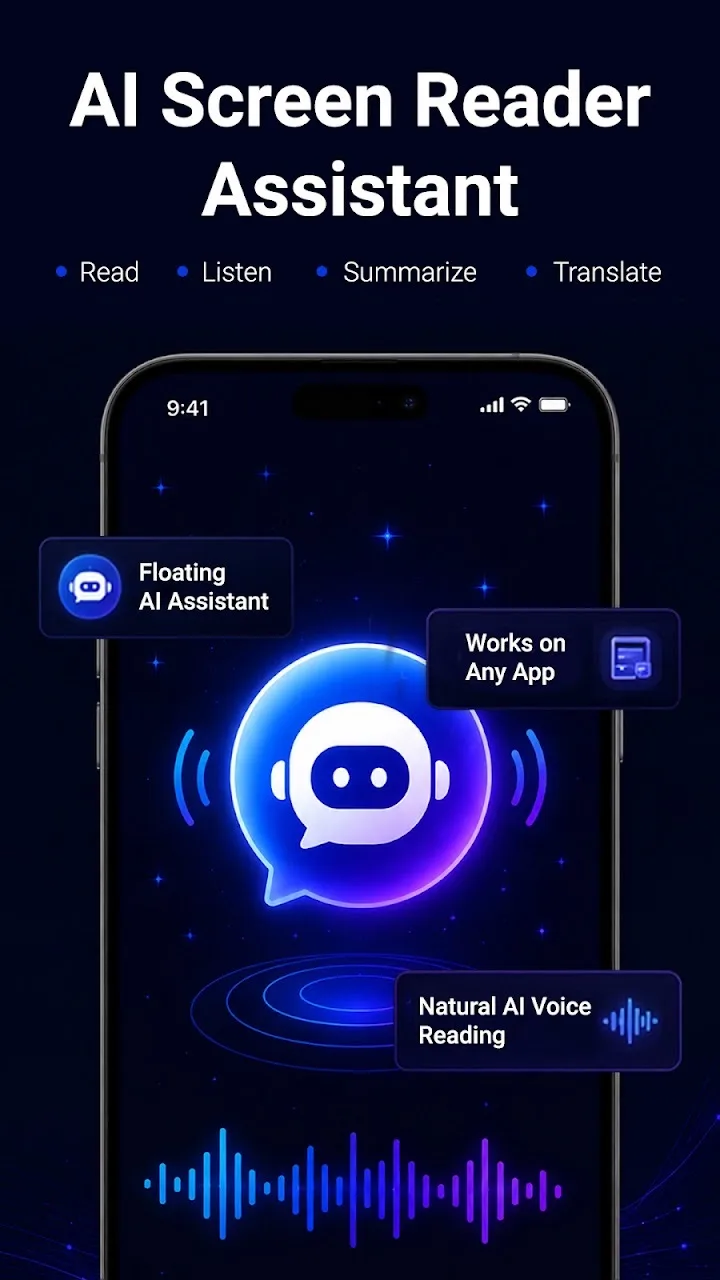
Floating screen reader

Start reading visible text from supported apps with one tap.

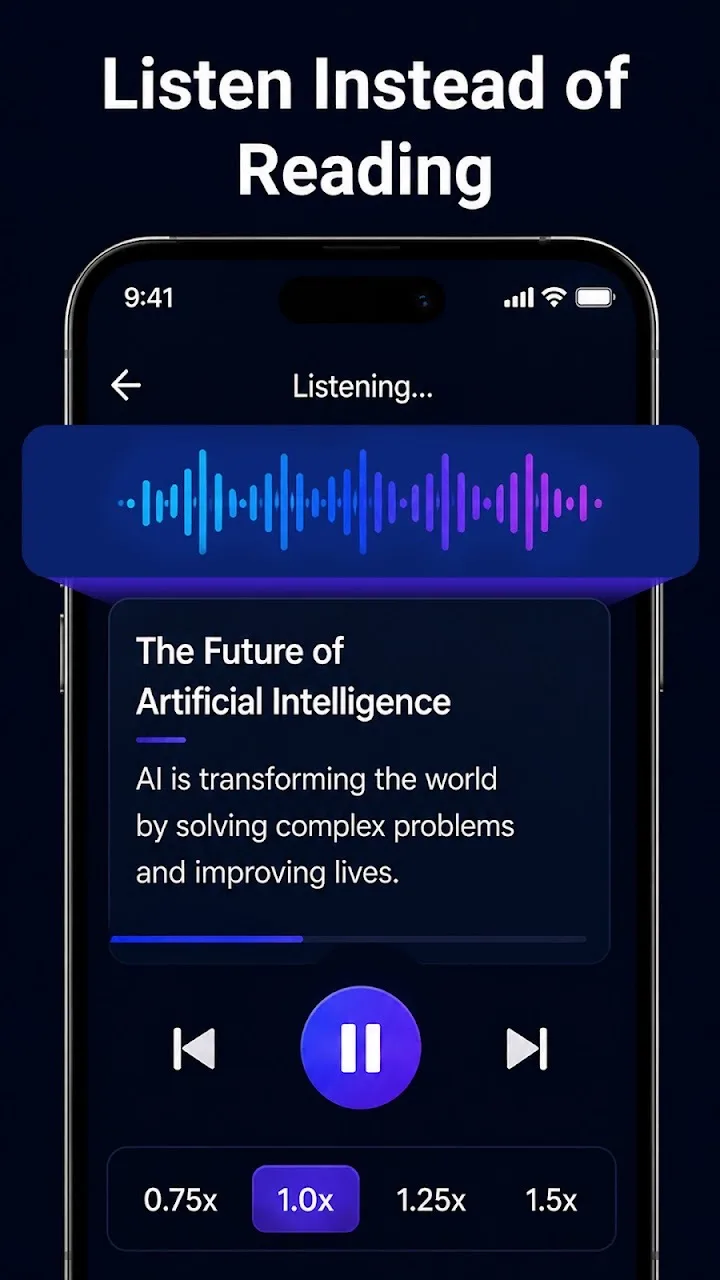
Text-to-speech

Listen aloud with play, pause, next and previous controls.

Smart summaries

Turn long content into a headline, summary and key points.

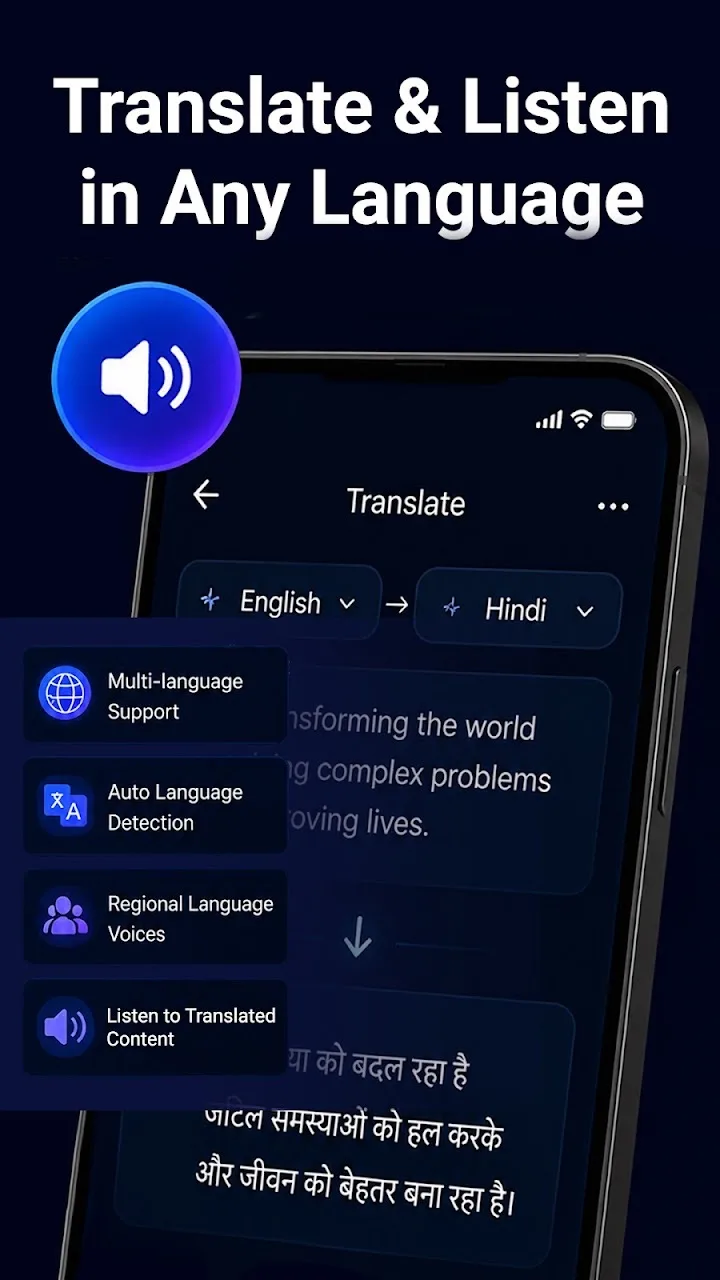
Translation

Translate text into supported languages and listen to it.

OCR text detection

Read text from images and image-based content.

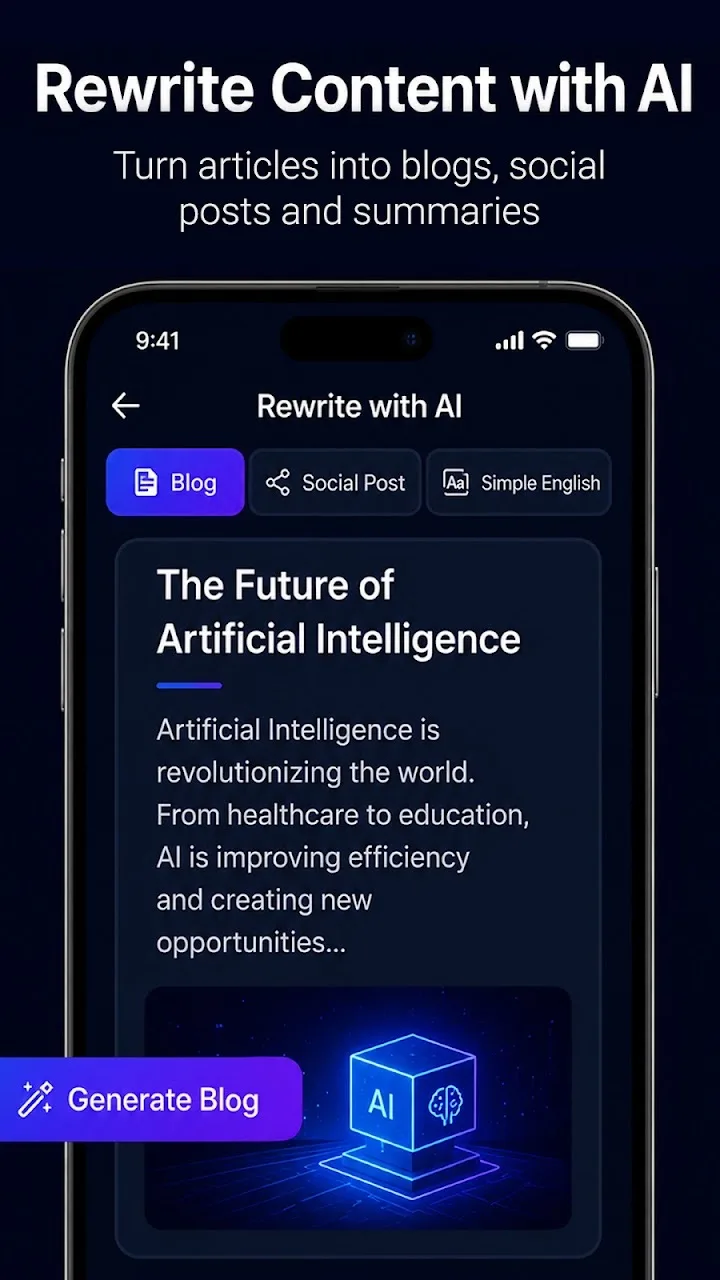
Rewrite & dictate

Rewrite text more clearly or dictate notes with your voice.

Screenshots

Take a closer look

Reader AI: Voice Assistant screenshot 1 Reader AI: Voice Assistant screenshot 2 Reader AI: Voice Assistant screenshot 3 Reader AI: Voice Assistant screenshot 4 Reader AI: Voice Assistant screenshot 5 Reader AI: Voice Assistant screenshot 6

About the app

Why people love Reader AI: Voice Assistant

Reader AI is an accessibility reading assistant that helps people with low vision, dyslexia, reading fatigue and other reading difficulties listen to and understand text more easily.

Listen to anything on your screen

Tap the floating reader button over a supported app and Reader AI reads the visible text aloud. Listen to articles, web pages, messages and documents with simple playback controls.

Understand more with AI

Turn long content into a short summary, translate it into another language, or rewrite it into clearer, simpler notes. When text is inside an image, Reader AI can detect it with OCR.


From the blog

Tips & guides for Reader AI: Voice Assistant

Read all 10 posts

Get Reader AI: Voice Assistant today

Free to download. Join our users already using it.

More from AppVerge

You might also like